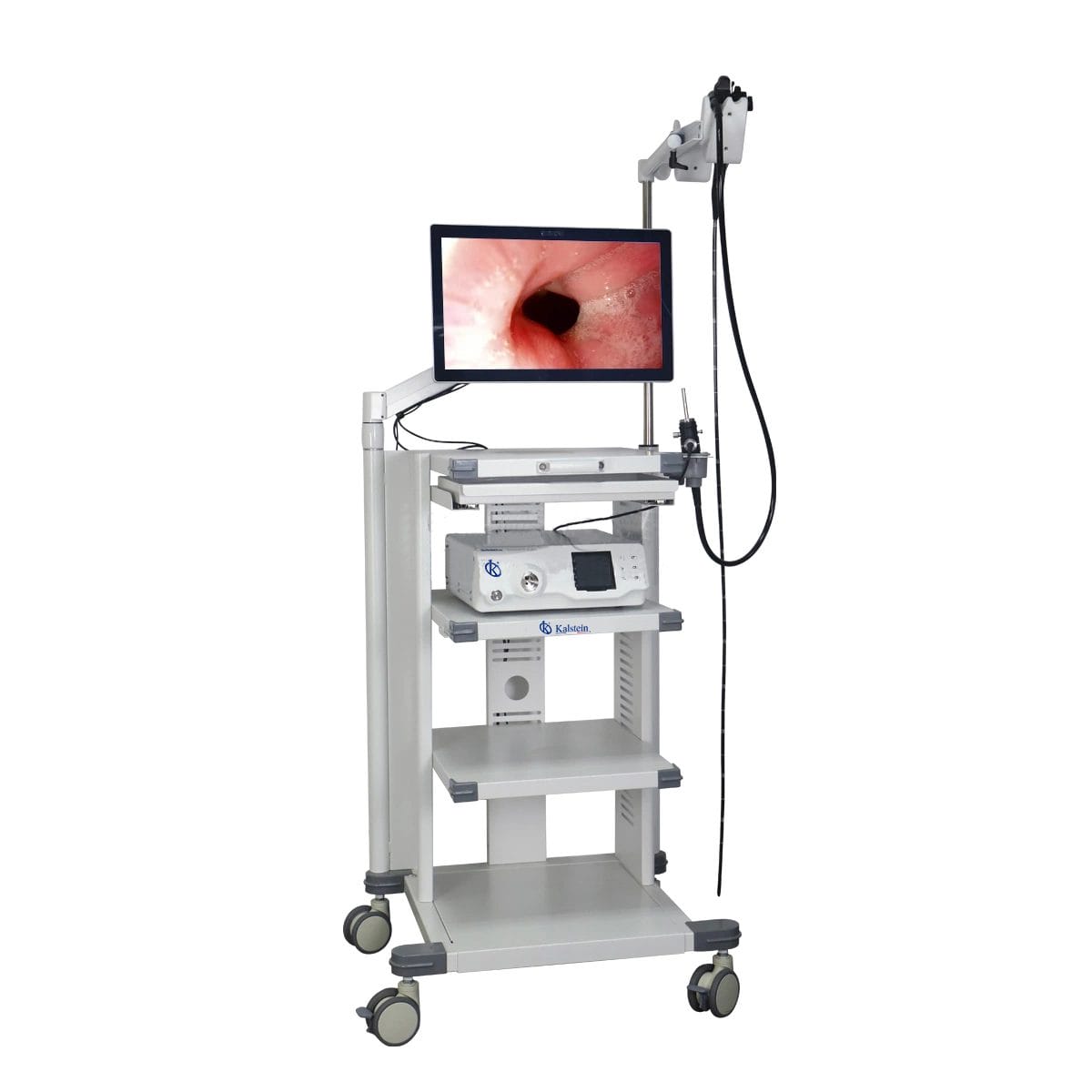
Troubleshooting Common Errors with the YR06149 Veterinary Video Endoscope
The YR06149 Veterinary Video Endoscope is a highly advanced tool designed for various applications in veterinary medicine, including gastroscopy, colonoscopy, and bronchoscopy. However, like any sophisticated piece of equipment, it may experience issues during operation. This article focuses on common errors associated with the YR06149, providing a detailed troubleshooting guide organized by symptoms, probable causes, and solutions.
Technical Specifications of the YR06149
| Model | Diameter of Insertion Tube | Working Channel | Working Length | View Angle | View Depth | Range of Bending | Resolution |
|---|---|---|---|---|---|---|---|
| YR06149 | 9.2 mm | 2.8 mm | 3000 mm | 140° | 3~100 mm | 180° (U), 130° (D), 100° (R), 100° (L) | FHD 1080P (2M pixels) |
Common Symptoms and Troubleshooting Steps
This section will focus on several common symptoms that users may encounter when operating the YR06149, along with their probable causes and recommended solutions.
Equipment Does Not Power On
If the YR06149 does not power on, several factors may be contributing to this issue.
- Probable Causes:
- Power source is not connected or functional.
- Internal fuse has blown.
- Faulty power cable or adapter.
Solution: Check all connections to ensure they are securely plugged in. Test the power source by using another device. If necessary, replace the fuse or power cable.
Error Code E-03 Displayed
Error code E-03 may indicate an internal malfunction or connection issue.
- Probable Causes:
- Loss of signal from the endoscope.
- Internal hardware failure.
Solution: Ensure the endoscope is securely connected and not damaged. Restart the unit. If the error persists, contact technical support for internal inspection.
Inconsistent Image Quality
Users may notice varying image quality during operations.
- Probable Causes:
- Dirty lens.
- Improper light settings.
Solution: Clean the endoscope lens with appropriate cleaning solutions. Adjust brightness settings according to the environment.
Troubleshooting Matrix
| Symptom | Probable Cause | Solution |
|---|---|---|
| Does Not Power On | Power source issue, blown fuse, faulty cable | Check connections, replace fuse/cable |
| Error Code E-03 | Signal loss, hardware failure | Reconnect device, contact support |
| Inconsistent Image Quality | Dirty lens, light settings | Clean lens, adjust light settings |
Frequently Asked Questions
What should I do if my YR06149 endoscope has a blurry image?
A blurry image may result from a dirty lens or incorrect focus settings. Clean the lens thoroughly with a suitable cleaning solution and ensure the focus settings are adjusted correctly for the examination.
How can I troubleshoot an overheating issue with the YR06149?
If the unit overheats, check for obstructions in the ventilation areas. Allow the endoscope to cool down before further use. If it continues to overheat, inspect the internal components for damage.
Is it safe to use the YR06149 on all types of animals?
The YR06149 is designed for both small and large animals, including dogs, cats, horses, and cattle. Always follow the manufacturer's guidelines for each specific animal type.
What are the maintenance requirements for the YR06149?
Regular maintenance includes cleaning the endoscope after each use, checking for any signs of wear and tear, and ensuring all components function properly. It is advisable to schedule a professional service annually.
What can I do if I encounter error codes not listed in the manual?
If you encounter unlisted error codes, restart the unit and check for any physical issues. If the error persists, consult the manufacturer or a qualified technician for assistance.
How do I update the firmware of the YR06149?
Firmware updates can typically be performed via a USB connection to a computer. Download the latest software from the manufacturer’s site and follow the installation instructions provided in the user manual.
Can I request a quote for the YR06149 Veterinary Video Endoscope?
Yes, to request a quote for the YR06149, please contact your local distributor or representative.
If you are looking for a fusion of innovation and quality, you have come to the right place. At Kalstein, we offer you the luxury of exploring our exclusive catalog of laboratory equipment. We manufacture every device to the highest standards of excellence. Our intuitive and seamless online purchasing channels are designed for your convenience, securing the most competitive prices. Hesitate no longer — we bring science to life, it is time to become part of our community.