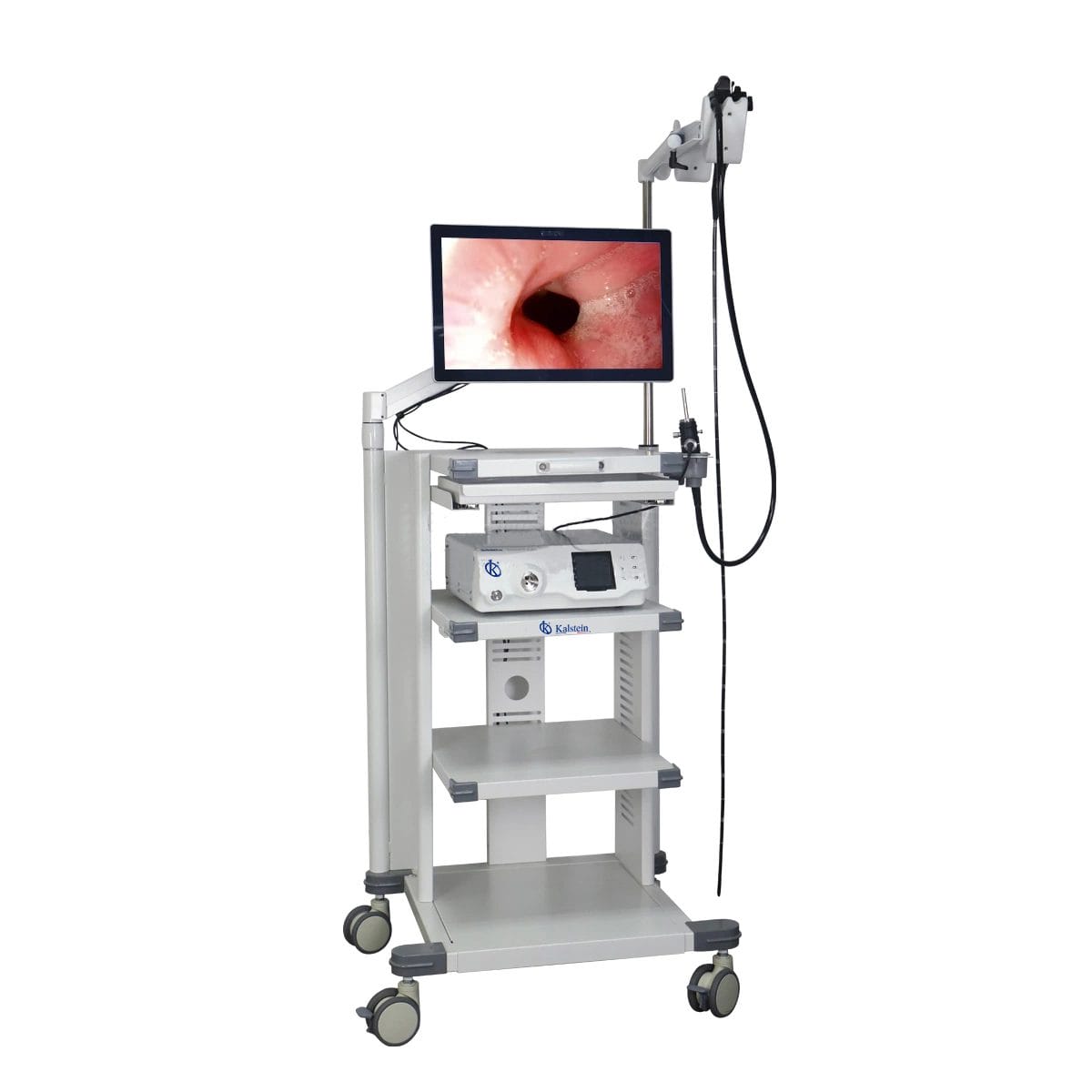
Common Errors and Troubleshooting by Symptom for the YR06146 Veterinary Video Endoscope
The YR06146 Veterinary Video Endoscope is a state-of-the-art diagnostic tool utilized in both small and large animals. This article aims to guide users through common errors encountered while operating the YR06146, detailing symptoms, probable causes, and effective troubleshooting solutions. Mastering these elements will ensure optimal performance and reliability of this sophisticated equipment.
Understanding Common Errors and Symptoms
Veterinary professionals using the YR06146 may encounter various operational issues. Identifying the symptoms accurately is crucial for effective troubleshooting. Below, we outline common symptoms that may arise during the use of this endoscope:
Technical Specifications of the YR06146
| Model | Diameter of Insertion Tube | Working Channel | Working Length | View Angle | View Depth | Range of Bending | Resolution |
|---|---|---|---|---|---|---|---|
| YR06146 | 7.8 mm | 2.8 mm | 1500 mm | 120° | 3~100 mm | 180° (U), 130° (D), 100° (R), 100° (L) | HD 720P (1M pixels) |
Troubleshooting Symptoms
Equipment Does Not Power On
If the YR06146 does not power on, check the following:
- Power Cord Connection: Ensure that the power cord is firmly connected to both the endoscope and the power outlet.
- Fuse Check: Verify if the internal fuse has blown. Replace if necessary.
- Power Supply: Ensure that the power supply meets the required specifications listed in the user manual.
Error Code E-03
Error code E-03 may indicate a malfunction in the imaging functions. To resolve this:
- Reboot the System: Restart the endoscope to reset any temporary faults.
- Check Connections: Ensure that all cables and connections are secure and undamaged.
- Software Update: Verify if the firmware is up-to-date; update if necessary.
Inconsistent Image Quality
Should the image quality be inconsistent, consider the following:
- Lens Cleanliness: Inspect and clean the lens to remove any obstructions that may affect image clarity.
- Brightness Settings: Adjust the brightness settings to match the examination environment.
- Cable Integrity: Check for any damage to the imaging cable that could affect performance.
Symptom-Cause-Solution Table
| Symptom | Probable Cause | Solution |
|---|---|---|
| Equipment Does Not Power On | Power connection issues, blown fuse, incompatible power supply | Check connections, replace fuse, verify power supply |
| Error Code E-03 | Malfunction in imaging functions | Restart system, check connections, update software |
| Inconsistent Image Quality | Dirty lens, incorrect brightness settings, damaged cable | Clean lens, adjust brightness, inspect cable |
Frequently Asked Questions
What should I do if the YR06146 shows a blank screen during operation?
If you encounter a blank screen, first check the power supply and connections. If the issue persists, reboot the device and ensure that the monitor is functioning correctly.
How can I ensure optimal image quality with the YR06146?
Maintain cleanliness of the lens, regularly calibrate the device, and adjust the brightness levels according to the environment for the best image quality.
What types of maintenance are recommended for the YR06146?
Regular cleaning of the lens, checking cable integrity, and software updates are essential for maintaining the longevity and performance of the endoscope.
How long is the expected lifespan of the YR06146?
The expected lifespan of the YR06146 can vary based on usage, but with proper maintenance, it can effectively perform for several years before requiring major repairs or replacement.
What should I do if I encounter an error code I do not understand?
Refer to the user manual for a comprehensive list of error codes. If necessary, contact customer support for assistance with unfamiliar codes.
Where can I find replacement parts for the YR06146?
Replacement parts can typically be found through authorized suppliers or directly through the manufacturer. Always ensure that parts are compatible with your specific model.
How can I request a quote for the YR06146?
You can request a quote by contacting our sales team directly. They will provide you with detailed pricing and availability information.
Conclusion
If you are looking for a fusion of innovation and quality, you have come to the right place. At Kalstein, we offer you the luxury of exploring our exclusive catalog of laboratory equipment. We manufacture every device to the highest standards of excellence. Our intuitive and seamless online purchasing channels are designed for your convenience, securing the most competitive prices. Hesitate no longer — we bring science to life, it is time to become part of our community.